You can get an IoT SIM card from your installer or distributor. (Some devices themselves include SIM cards.)
How to Use SIM Card
To use the IoT data service, you need an IoT SIM card and follow the instructions below for configuration.
01
Get IoT SIM Card
02
Insert SIM Card
Taking the AX HOME as an example, open the back cover, and insert the SIM card into the device's slot. (The position of the SIM card slot may vary depending on the specific model.)
03
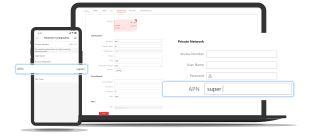
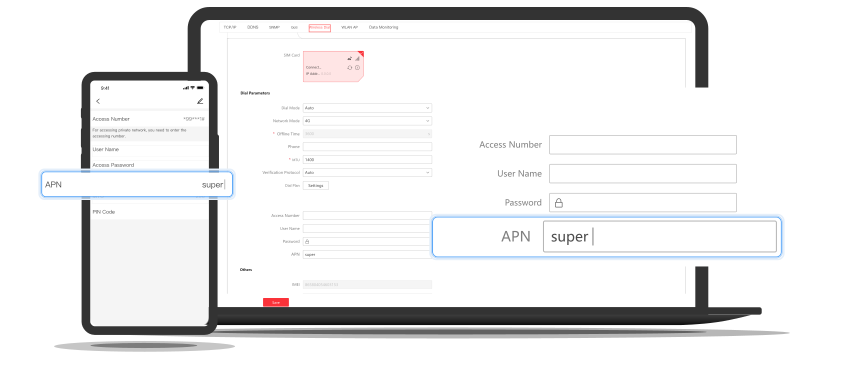
Configure APN
Find IoT SIM Card No.
Get the corresponding APN according to the first 6 card digits.
ICCID Identified by the First Six Card Digits
|
APN
890010
data.apn.name
891039
data.apn.name
893204
bicsapn
898830
super
Enter the APN in the device configuration page to enable IoT data service.
4G Camera
AX HOME